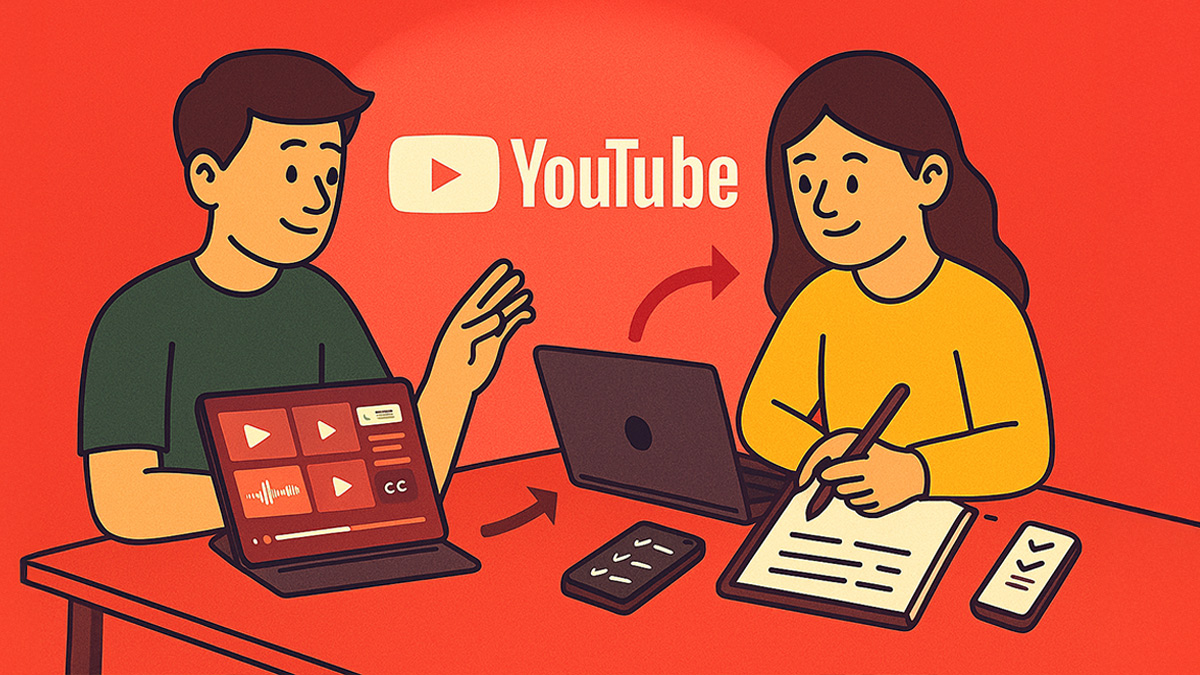
YouTube to notes AI free workflows matter because video lectures are dense, fast, and easy to “watch without learning.” When you convert a YouTube lecture into structured notes, you turn passive listening into active study materials you can review, search, and quiz yourself on. This workflow helps you capture key concepts, organize them into headings, and generate quick practice questions—so you study smarter without rewatching the entire video. Use it for exam prep, certifications, and any class with recorded lectures.
What Is YouTube to Notes?
YouTube to Notes is a workflow that converts a YouTube lecture (or tutorial) into clean, study-ready notes—typically with headings, bullets, definitions, and a summary. It’s built for high school, college, and self-paced learners who want to learn faster from video without constantly pausing, rewinding, and rewriting everything by hand.
Unlike basic “video summaries,” a YouTube to notes workflow produces structured notes you can actually study from—plus optional add-ons like flashcards, practice quizzes, and checklists. If your source is slide-based, you can also use Slides to Notes prompts to create a clean outline from deck content.
How to Use This Free YouTube to Notes AI Workflow
Pick 3–5 prompts, paste your source (YouTube transcript, captions, timestamps, or your rough notes), then run the steps in ChatGPT or Gemini. Export the output to Google Docs when done. New to AI note-taking? Read the Get Started with AI Note Taking to easily get started.
Workflow Overview: YouTube Video → Notes → Study Pack
This workflow works best when you treat each stage as a different job:
- Stage 1 (Extract): Pull the transcript/captions and keep timestamps when helpful.
- Stage 2 (Structure): Convert the transcript into headings, bullets, and key terms.
- Stage 3 (Clarify): Simplify confusing parts and fill gaps with short explanations.
- Stage 4 (Study): Generate a review sheet + practice questions (optional flashcards).
Ready to skip manual steps? Use our iOS AI Note Taker App, YouTube to Notes Generator to convert a lecture quickly, or use the AI Note Taker for a broader note workflow.
Stage 1: Extract the Best Inputs (Transcript + Timestamps) (Prompts 1–6)
Your results depend on your input quality. If you paste a messy transcript with no breaks, your notes will feel messy too.
Use these prompts to clean transcripts, create sections, and keep the timestamps that matter—so your notes stay traceable back to the video.
For more prompt options, see YouTube to Notes prompts.
- Clean this YouTube transcript, remove filler words, and add section headings with timestamps.
- Split this transcript into 6–10 chapters with timestamp ranges and one-sentence chapter titles.
- Extract all definitions and key terms from this lecture and list them with timestamps.
- Create a timeline of the lecture: key points in order with timestamps and short explanations.
- Identify the 10 most testable ideas from this lecture and cite the exact timestamps.
- Rewrite this transcript as clean lecture notes using headings, bullets, and bolded key terms.
Stage 2: Convert Transcript → Structured Notes (Prompts 7–12)
Now that the transcript is cleaned, convert it into study-ready structure. The goal is not to keep every sentence—it’s to extract
the logic: definitions, processes, examples, and “why it matters.” These prompts produce notes that are easy to review and easy to quiz yourself from.
- Turn this lecture into Cornell-style notes with cues, main notes, and a concise summary.
- Extract the main framework from this lecture and present it as a simple step-by-step checklist.
- Rewrite these notes at two levels: beginner-friendly and advanced exam-ready.
- Create a “why it matters” section: 5 real-world applications and 5 likely exam angles.
- Summarize each section into 3 bullet takeaways and 1 testable definition.
- Create a clean one-page review sheet from this lecture: headings, key terms, and checklists only.
If the lecture is slide-driven, you can also convert the deck into notes first using
Slides to Notes prompts.
Stage 3: Turn Notes Into Study Materials (Prompts 13–18)
Once you have clean notes, convert them into active study assets. The goal is to stop rewatching and start recalling:
practice questions, quick self-tests, and a short “what to master” checklist. These prompts are built for exam prep,
certifications, and any course with recorded lectures.
- Create 20 practice questions from these notes with an answer key and brief explanations.
- Generate 12 flashcards (front/back) from the key terms, optimized for spaced repetition.
- Create a 10-minute review routine using these notes: what to read, recall, and quiz.
- Write a “teach-back script” so I can explain the lecture out loud in 3 minutes.
- List the top 8 misconceptions learners have about this topic and correct each one.
- Convert these notes into a one-page cheat sheet: formulas, definitions, and step sequences only.
Want a full note workflow beyond YouTube? Use the AI Note Taker or go straight to the PolarNotes AI App.
Printable & Offline Options
You can keep YouTube-to-notes outputs fully offline once generated. Export the notes to Google Docs, format them for your class,
then download as PDF for printing. For quick review, print the one-page sheet (Prompt 12 or Prompt 18) and use your practice questions
(Prompt 13) as a paper quiz.
Related Categories
- YouTube to Notes Generator
- YouTube to Notes Prompts
- Slides to Notes Prompts
- AI Note Taker
- Try PolarNotes AI App
FAQ
Is YouTube to notes AI free?
Yes, you can convert a YouTube lecture into notes for free using a transcript + a structured prompt workflow. The key is to start with a clean transcript (remove filler, add sections) and then generate structured notes (headings, bullets, key terms, summary). For the fastest experience, use a dedicated YouTube to notes generator and export the result to Google Docs for study.
Do I need the YouTube transcript to convert a lecture to notes?
A transcript is the fastest path, but it’s not required. You can also use captions, timestamps, or your rough notes. The transcript helps the AI capture definitions, examples, and transitions accurately—especially in longer lectures. If you don’t have a transcript, focus on grabbing the key segments and summarizing them in chunks, then combine outputs into one set of notes.
How do I make sure the notes stay accurate?
Keep timestamps when possible, and ask the AI to cite where each key point appears in the lecture. If something feels off, jump to that timestamp and verify. For technical subjects, generate a “uncertainty check” list: any claims the AI is not fully confident about should be flagged so you can confirm them quickly in the video.
What’s the best format for studying from YouTube notes?
Use headings + bullets for scan-ability, then generate a one-page review sheet and practice questions for retrieval practice. Many students study faster by using a three-layer output: (1) clean notes, (2) a condensed review sheet, and (3) a practice quiz with an answer key. This replaces rewatching with recall-based study.
Can I use this workflow for non-lecture YouTube videos?
Yes. Tutorials, how-to videos, and certification walkthroughs convert well into notes when you structure them by steps and outcomes. For tutorial content, ask for “process notes” (step sequence + checklist) instead of concept notes. Then generate practice questions that test whether you can explain the steps and troubleshoot common mistakes.
Final Thoughts
A YouTube to notes AI free workflow turns video learning into a real study system: extract a clean transcript, generate structured notes, then convert them into review sheets and practice questions. This approach saves time, improves retention, and helps you stop rewatching the same lecture.